
Explore Mobile Game Customization with delta executor and Device Compatibility Tips

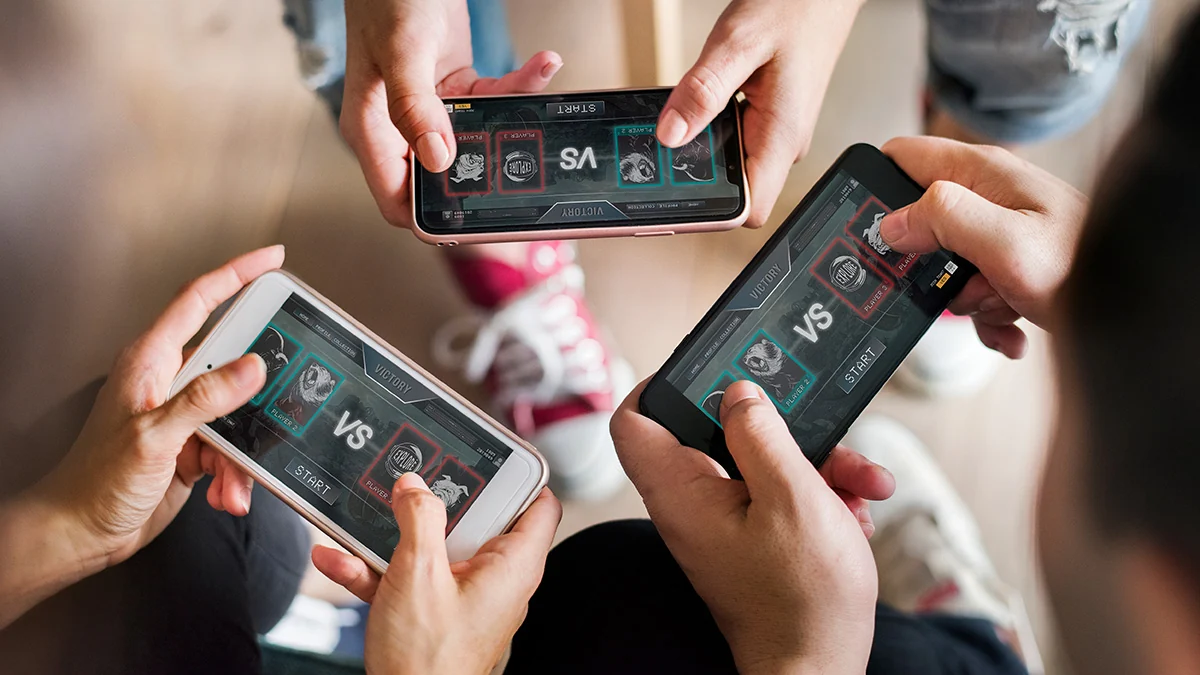
Mobile gaming has developed into a flexible entertainment experience where players can adjust settings, personalize controls, explore different gameplay approaches, and optimize performance according to their preferences. Modern smartphones offer increasingly powerful processors, high-refresh-rate displays, advanced graphics capabilities, and improved memory management. However, not every game or customization tool works equally well across different devices. Understanding compatibility requirements before changing game settings can help players avoid technical problems and enjoy a smoother experience.
Tools associated with game customization often attract attention because players want more control over their gaming environment. delta executor is a term that some players encounter when exploring customization tools, particularly in discussions surrounding script-based gameplay and supported gaming environments. Before using any such utility, it is important to understand its intended purpose, the requirements of the target game, and the potential consequences of modifying the normal gameplay experience. Compatibility, security, and compliance with game policies should remain priorities throughout the process.
A successful mobile gaming setup depends on more than installing an additional application. Operating system versions, available storage, processor architecture, memory capacity, graphics support, and application permissions can all influence performance. By learning how these factors interact, players can make better decisions about their devices, recognize common compatibility problems, and identify safer ways to personalize their gaming experience.
Understanding Mobile Game Customization
Mobile game customization includes the adjustments players make to improve comfort, accessibility, appearance, and performance. Some changes are available directly through a game’s settings menu, while others involve operating system features or compatible accessories. Common examples include adjusting graphics quality, changing sensitivity, modifying button layouts, enabling accessibility controls, and selecting different audio settings. These options allow players to create a gaming environment that suits their hardware and individual preferences without necessarily changing the game’s underlying code.
Customization can also help players accommodate different playing conditions. Someone using a smaller smartphone might prefer larger controls and simplified visual effects, while a player with a high-refresh-rate display may prioritize smoother animations. Competitive players may focus on consistent frame rates and responsive controls, whereas casual players may prefer better battery life and reduced device heating. Understanding these differences makes it easier to choose settings that provide practical benefits rather than simply maximizing every available graphics option.
Why Players Explore Additional Gaming Tools
Players sometimes investigate external utilities because they want features that are not available through standard game settings. Depending on the tool and the game involved, these utilities may be associated with scripting, testing, interface changes, or other forms of customization. However, their actual capabilities vary, and claims made by unofficial distributors should not automatically be treated as reliable.
When evaluating delta executor, users should distinguish between advertised features and verified functionality. An application description alone does not establish that a utility works with a particular game, operating system, or smartphone model. It is also important to recognize that a tool may stop working after a game update or become incompatible when an operating system changes its security requirements. Reviewing technical information and understanding the risks before installation can prevent unnecessary troubleshooting and protect personal data.
Device Compatibility Factors That Matter
Compatibility determines whether an application can operate correctly within a particular hardware and software environment. A tool that launches successfully on one smartphone may fail on another because of differences in operating system versions, processor architecture, available memory, or security restrictions. Even two devices from the same manufacturer can behave differently when they use different software versions or system configurations.
The first step in evaluating compatibility is to identify the device’s operating system and confirm the minimum requirements published by the application’s legitimate developer. Players should also check whether the software supports their device architecture and whether any required components are available for their platform. If an application does not officially support a particular operating system, attempting to force compatibility through unofficial modifications may introduce instability or security concerns.
Hardware Requirements and Performance
Hardware affects both application compatibility and the overall gaming experience. The processor handles calculations and application instructions, while the graphics processor manages visual rendering. Random-access memory allows the operating system and active applications to keep necessary information readily available. When resources become limited, users may experience slower loading, unexpected application closures, stuttering, or reduced responsiveness.
Storage capacity also deserves attention. Games frequently download updates, temporary files, and additional assets after installation. A device with very little free storage may struggle to complete updates or manage temporary data efficiently. Keeping sufficient space available can help reduce installation problems, although it cannot compensate for unsupported hardware or software.
The following table summarizes important compatibility factors and their practical effects.
| Compatibility factor | Why it matters | Recommended approach |
|---|---|---|
| Operating system | Determines application and security support | Check official minimum requirements |
| RAM | Influences multitasking and application stability | Close unnecessary background applications |
| Processor and graphics | Affect game responsiveness and rendering | Select settings suitable for the device |
| Free storage | Supports installations, updates, and temporary files | Remove unnecessary files safely |
| Network connection | Affects downloads and online gameplay | Use a stable, trusted connection |
| Device temperature | Can influence sustained performance | Allow the device to cool when necessary |
These factors should be considered together rather than independently. A powerful processor cannot guarantee smooth gameplay if memory is insufficient or the device is overheating. Similarly, a stable internet connection will not resolve an application that is incompatible with the installed operating system.
Preparing a Smartphone Before Installing Gaming Software
Preparation reduces the likelihood of avoidable installation errors. Before adding any new gaming utility, players should review its source, identify the developer, and determine whether the software is distributed through a trustworthy channel. Unfamiliar installation packages, unexpected permission requests, and applications that require disabling important security protections deserve particular caution. A tool should not be considered safe merely because it has a gaming-related name or appears in a social media recommendation.
Players should also ensure that the smartphone’s operating system and installed games are appropriately updated. Software updates can resolve bugs, improve stability, and address security weaknesses. However, updating an application does not guarantee compatibility with every external tool. If a utility depends on an unsupported game version or undocumented behavior, an update may prevent it from functioning.
Before making significant changes, back up important personal information and review the permissions already granted to installed applications. Avoid providing account passwords, authentication codes, or unnecessary access to private files. These precautions are particularly relevant when an application is distributed outside established app stores or requests access that appears unrelated to its advertised purpose.
A Practical Pre-Installation Checklist
A short review can help identify potential problems before they affect the device. Players should confirm the application’s legitimacy, compare its requirements with their hardware, and understand the consequences of installing software that interacts with a game.
- Confirm that the application comes from a source you can independently verify.
- Review operating system, processor, memory, and storage requirements.
- Check requested permissions and avoid granting unnecessary access.
- Read the game’s rules concerning third-party tools and modified gameplay.
- Back up important information before making substantial configuration changes.
This process is useful even when an application appears simple. Installation packages can contain unwanted software, and compatibility problems may be difficult to diagnose after several system settings have been changed. Careful preparation helps users identify warning signs early and reduces the temptation to disable protective features just to make an unfamiliar utility run.
Exploring delta executor and Its Potential Limitations
Players researching delta executor should begin by establishing exactly which application or service is being discussed and what platform it officially supports. Similar names can appear across unofficial downloads, community discussions, and third-party distribution pages. Without reliable developer documentation, it may be difficult to determine whether a particular package is authentic, maintained, or appropriate for a specific device.
Compatibility claims should be evaluated carefully. An application may advertise support for multiple mobile devices without explaining which operating system versions have been tested. It may also rely on functionality that changes when a game receives an update. If reliable documentation is unavailable, users should avoid assuming that an installation guide written for another device will work on their own smartphone.
Another consideration is the difference between customization and unauthorized modification. Changing graphics settings or control layouts through supported options generally has a different risk profile from using external scripts that alter game behavior. Depending on the game, unauthorized modifications can result in account restrictions, data loss, crashes, or unfair advantages. Reviewing the game’s current terms and enforcement policies is therefore essential before considering tools that interact with gameplay.
Why Updates Can Affect Compatibility
Mobile operating systems and games evolve continuously. Developers introduce new security controls, change application interfaces, fix vulnerabilities, and modify how software components communicate. These changes can cause an external utility that previously worked to become unreliable or incompatible. The reverse can also occur when a utility receives an update that adds support for a newer environment.
When an application stops working after an update, repeatedly reinstalling different packages is not necessarily a good solution. The underlying problem could involve unsupported software, a server-side change, a missing component, or a security restriction. Users should first consult trustworthy documentation and official support information instead of following instructions that ask them to disable security protections or download unexplained files.
Improving Mobile Gaming Performance Without Unnecessary Risk
Many performance improvements are available without external scripting utilities. Reducing graphics quality slightly, lowering demanding visual effects, and selecting an appropriate frame-rate setting can help maintain more consistent gameplay on hardware with limited resources. The best combination depends on the game, display, and device capabilities. Maximum graphics settings are not always ideal if they cause overheating or frequent frame-rate drops.
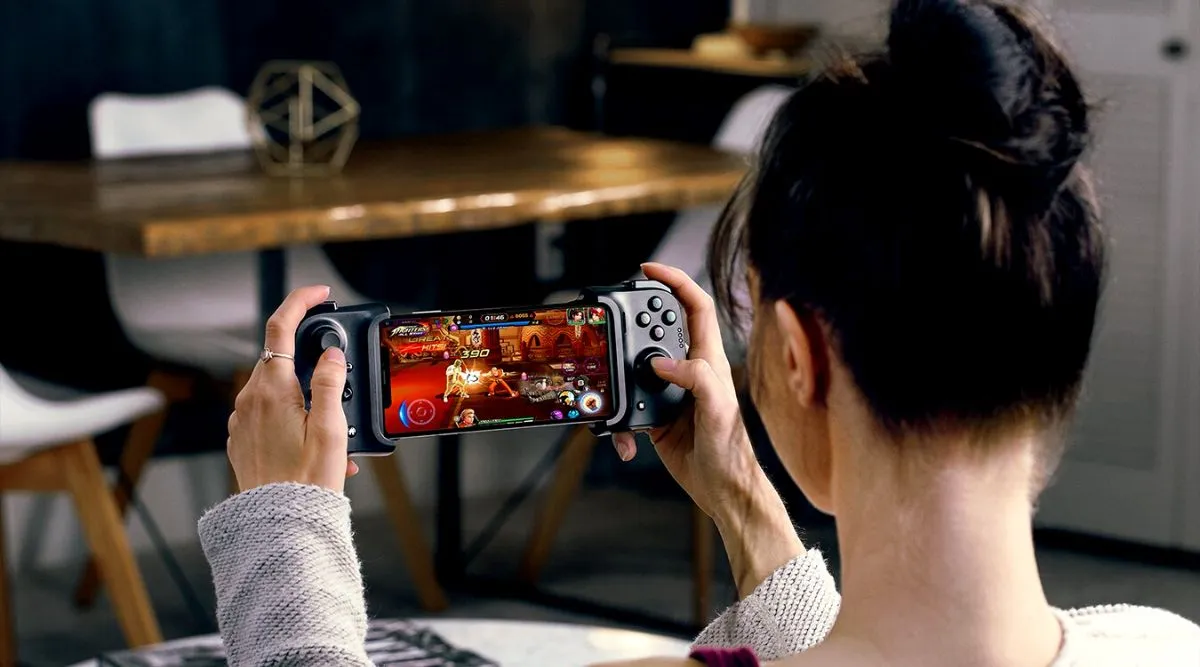
Background activity can also influence performance. Applications performing large downloads, video processing, or intensive synchronization may compete for memory, processing time, and network bandwidth. Closing unnecessary applications before a long gaming session can reduce some of this competition. Players should avoid aggressive system-cleaning utilities that promise unrealistic improvements or terminate essential services without explaining their behavior.
Battery condition and temperature are equally important. Prolonged gaming generates heat, especially when the display brightness, processor load, and network activity are high. Some smartphones automatically reduce performance when temperatures rise to protect internal components. Playing in a cooler environment, removing a heat-trapping case when appropriate, and taking breaks can help the device manage temperature more effectively.
Choosing Settings for Different Devices
A practical configuration should reflect the strengths and limitations of the smartphone. Entry-level devices may benefit from lower graphics quality, moderate brightness, and a stable frame-rate target. Midrange phones can often balance visual detail and responsiveness, while higher-performance models may support more demanding settings. These are general guidelines rather than guarantees because thermal design, software optimization, and game requirements vary considerably.
Players using older devices should pay particular attention to available storage and background applications. A phone that has accumulated large amounts of temporary data or unused applications may have less room for updates and fewer resources available for gaming. Removing unnecessary files through trusted system tools can help, provided that users do not delete important game data or personal documents.
Network settings matter when a game relies on online servers. A strong Wi-Fi signal or reliable mobile connection can reduce interruptions, but connection quality also depends on congestion, routing, and server performance. If a game repeatedly disconnects, comparing performance on another trusted network may help distinguish a local connection issue from a game-server problem.
Protecting Accounts and Personal Information
Security should remain a central part of any mobile customization decision. Gaming accounts may contain purchased items, achievements, saved progress, and personal information. An unofficial utility that requests account credentials or authentication codes can put these assets at risk. Players should never assume that a tool needs their password simply because it claims to improve gameplay.
Account protection begins with a unique password and multifactor authentication when supported. Users should also review active sessions, remove access from unfamiliar applications, and avoid sharing verification codes with strangers. If an installation requires disabling built-in security checks, granting broad accessibility permissions without a clear reason, or installing additional unknown packages, it is safer to stop and investigate.
The same caution applies to files downloaded from gaming communities. File names and screenshots do not prove that a package is authentic. Malicious software may imitate legitimate applications or use promises of exclusive features to encourage installation. Keeping operating system security protections enabled and using reputable security tools can reduce exposure to common threats.
Understanding Game Rules and Fair Play
Every game establishes its own policies for third-party software, automation, scripting, and modifications. Some games allow cosmetic customization or approved community modifications, while others prohibit external tools that influence competitive outcomes. The relevant rules should be checked for the specific title rather than inferred from another game’s policy.
Unauthorized automation or gameplay modification may result in temporary restrictions, permanent account bans, or loss of access to purchased content. Even when a tool appears to work without immediate consequences, that does not establish that it is permitted. Players who want to protect their progress should prioritize supported features and avoid methods that undermine fair play or compromise account security.
Troubleshooting Common Compatibility Problems
When a game or customization application fails to launch, the most effective response is to identify the cause systematically. Start by recording the device model, operating system version, application version, and the exact error message. This information can help determine whether the issue involves unsupported software, insufficient resources, a network failure, or a temporary application bug.
If the problem concerns an ordinary game, restart the device, check for official updates, verify available storage, and review the game’s published troubleshooting instructions. Clearing an application’s cache may help with certain loading issues, but clearing its data can remove local settings or saved information. Players should understand the difference before taking action and confirm that important progress is backed up or synchronized.
If an external utility is involved, avoid repeatedly installing packages from unknown sources. Do not bypass operating system protections simply to overcome an error. If the developer cannot provide clear compatibility documentation or safe troubleshooting guidance, discontinuing use may be the most sensible option. A working installation is not necessarily a trustworthy installation, and security should not be sacrificed for a minor customization benefit.
Conclusion
Mobile game customization offers practical ways to improve comfort, accessibility, visual quality, and overall performance. However, a successful setup requires an understanding of hardware limitations, operating system requirements, application permissions, and the rules governing the game being played. Checking these factors before installing additional software can prevent many common problems and help preserve both device stability and account security.
When researching delta executor, players should verify the identity of the software, look for reliable compatibility information, and distinguish documented features from unverified claims. They should also recognize that external tools may become incompatible after updates and may violate a game’s policies if they alter gameplay without authorization. No customization utility should require users to ignore basic security precautions.
Ultimately, the most reliable mobile gaming experience comes from matching settings to the device, maintaining updated software, managing storage and temperature, and using trusted applications. By combining sensible performance adjustments with careful security practices, players can explore personalization while protecting their smartphones, accounts, and gaming progress.